
Leave your desk.
Take your apps.
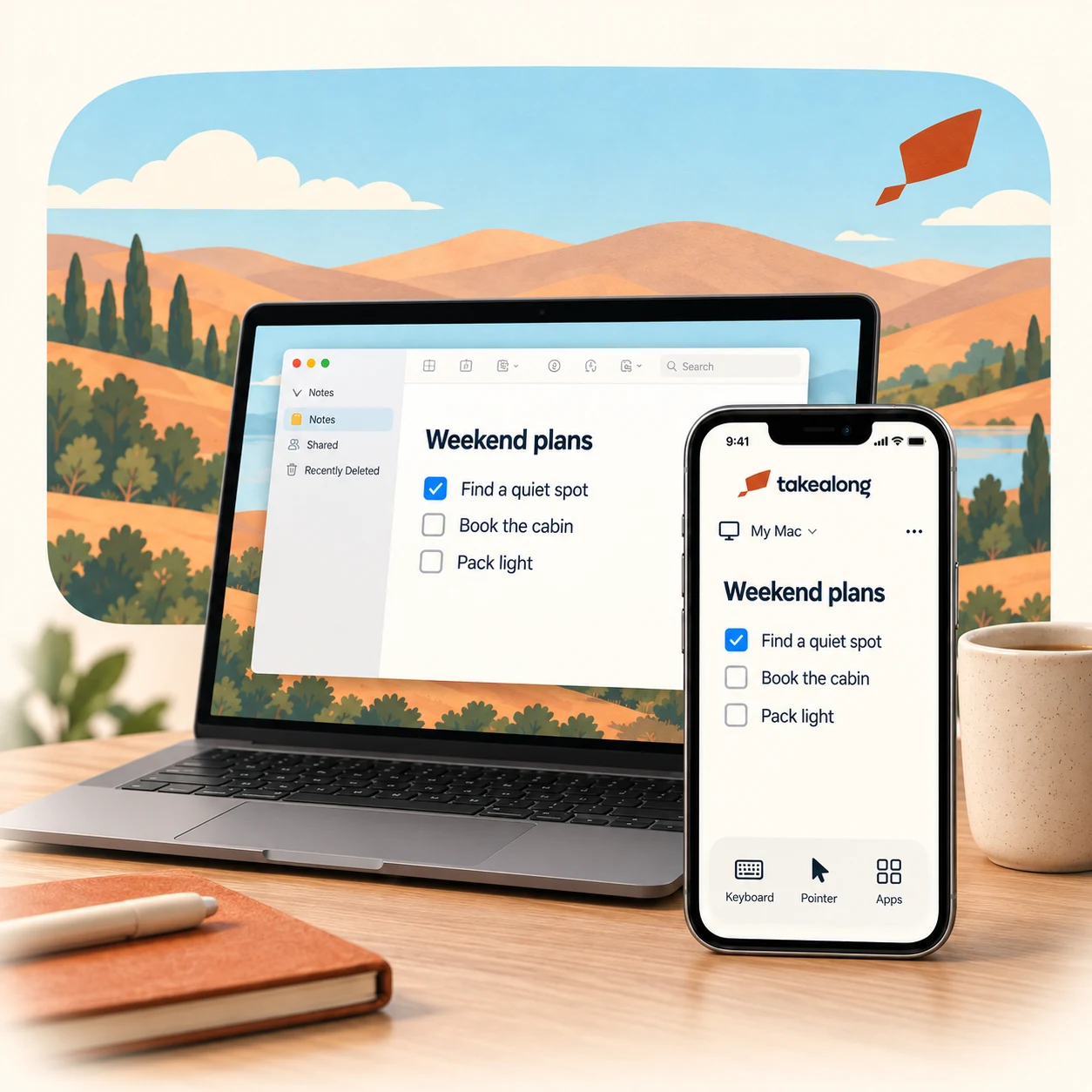
Use the apps on your Mac from your iPhone or iPad. Make that last edit, check an open window, and get back to your day.
Beta 0.1.0 (12) · Apple silicon · Direct download
Your Mac stays connected.
You take it from there.
A little more
freedom.

Your real Mac apps
The windows and work you left behind, ready when you need them.

Made for your fingertips
Tap, point, scroll, and type. Small screen, familiar work.

Pick up where you left off
Open a window, make a quick change, and carry on with your day.
Leave the laptop.
Bring the possibilities.
Your Mac does the work. Takealong gives you a way back to it from your iPhone or iPad.
Apple silicon Mac · macOS 15 or later
iPhone or iPad · iOS / iPadOS 18 or later
Make yourself at home.
Download Takealong on your Mac and follow the setup steps. Install the iPhone or iPad beta through your TestFlight invitation.
Get your devices together.
Set up Tailscale on both devices and connect them to the same Tailscale network.
Pair once. Take it along.
Scan your Mac’s pairing code and approve the connection. Keep your Mac powered and connected when you head out.
Small beta.
Big little adventures.
Takealong is currently invitation only. The Mac companion is available here; iPhone and iPad access comes through a personal TestFlight invitation.
Already invited? Use the invitation you received to install the beta. We’re keeping this first group small while we make the everyday details feel right.
Questions about the beta? Say helloA little help along the way.
Send feedback through TestFlight, or email me@danyay.com. Mac updates arrive through the app; you can also choose “Check for Updates” from the menu bar.